




Web design built to be found, and built to be yours
We design and build websites for Vancouver businesses and further afield on Syntra CMS: pre-built pages that load instantly, nothing to patch, and Google, AI search and every enquiry tracked from one console. Found first, then booked.
The front door moved
Customers used to find a business by searching and clicking. Now they search, read the map pack, and more and more often they simply ask ChatGPT or Gemini who to call. The answer names a business, in a sentence, before anyone opens a website.
Most business websites were built for the old route. They load slowly on a phone, give AI models nothing clear to work with, need constant plugin updates, and can’t tell you which page produced an enquiry. And plenty of them only exist for as long as you keep paying the platform.
Every site we build runs on Syntra CMS
We don’t build on a page builder and then bolt on a pile of add-ons. Every Mossy site runs on Syntra CMS, a platform where the website, the visibility tools and the reporting are one product that we look after for you.
That matters because a website has three jobs, and most platforms only do the first one well.
On Google search, in the map pack through your Business Profile, and inside the answers AI assistants give when someone asks who to use.
Traffic, rankings, AI mentions and every call, form, email and booking, traced back to the channel and the page that produced it.
Pre-built pages on open web standards. Nothing to patch, nothing to break, and yours to keep if you ever leave.
Recent work
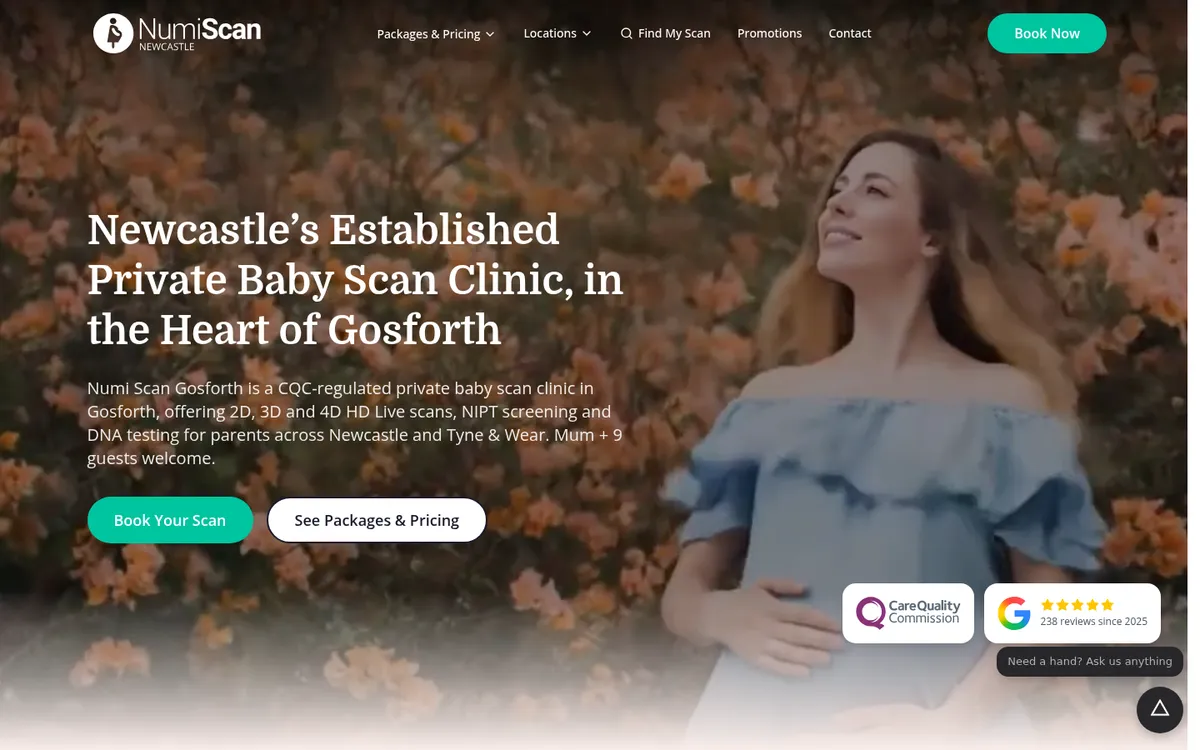
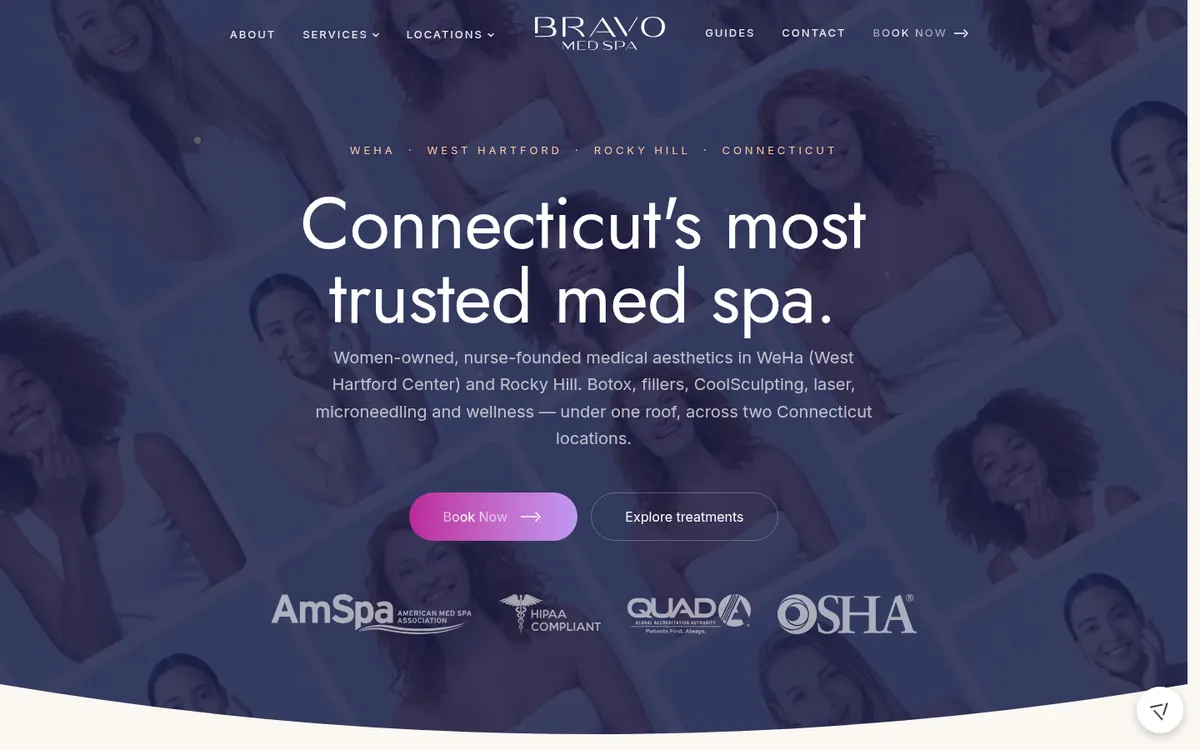
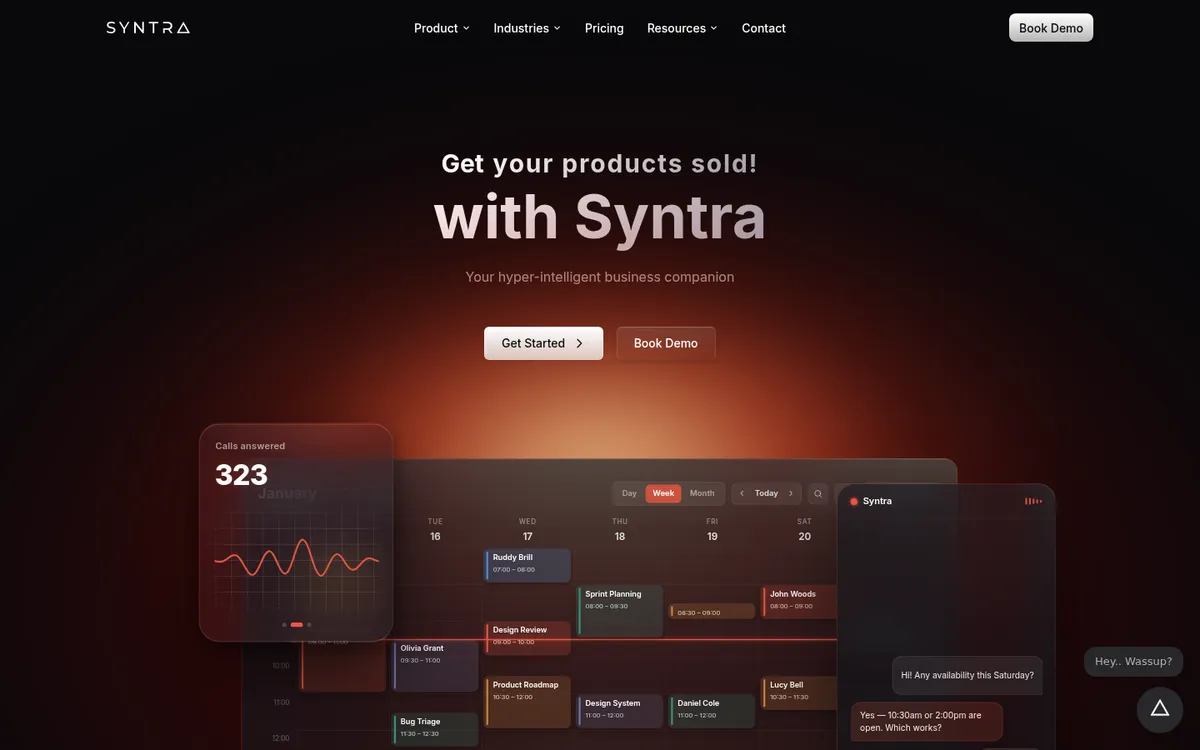
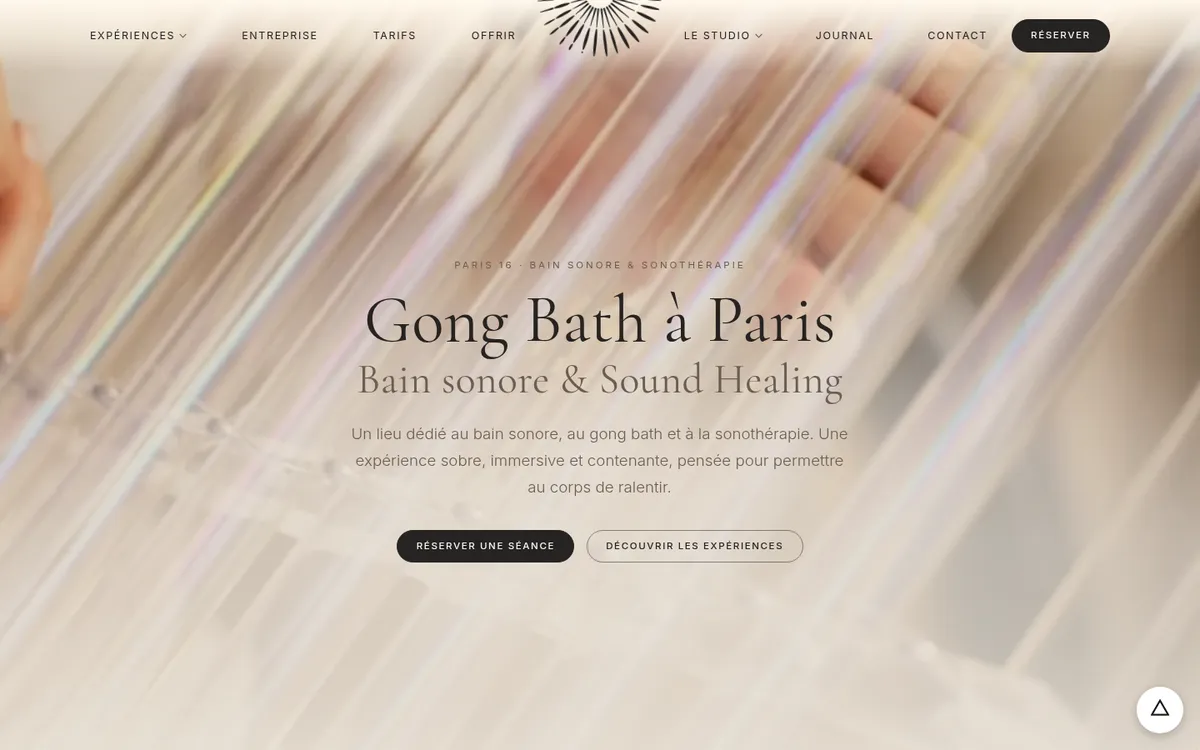
Clinics, trades, studios and a software platform, across five countries. Each one is a homepage as it stands today. Click through and try them on your phone.
Built for search from the first line of code
The SEO work agencies usually charge for after launch is part of the build, and it stays that way.
- Search Console connected. Clicks, impressions and positions by query, page, country and device, inside the same console, with notes marking what changed and when.
- Indexed in minutes. Every page’s index status in one view, new and updated pages submitted in one click, and pages at risk of dropping out flagged before they do.
- On-page checks with real fixes. Titles, descriptions, headings and structured data reviewed page by page, with the change to make rather than a score to worry about.
- Your Business Profile, in the same place. Hours, services, reviews, posts and local rank tracking managed alongside the website, not from a login nobody remembers.
And for AI search
Getting named by an assistant needs a site a model can read, trust and quote. So every build ships with structured data a model can parse, an llms.txt written as a plain-language map of the business, and crawler access checked so assistants aren’t silently blocked. Once it’s live, the console tracks whether AI actually recommends you: visibility score, share of voice, citations, and who gets named instead of you.
That’s the ground floor. The work of earning the recommendation is AI search optimization. If you want the reasoning behind the markup, it’s set out in our guide to schema for AI search.
Pages built once, served instantly
Most website platforms assemble every page from a database each time someone visits. We build each page once, when you publish, and serve the finished file from a global network.
If the database or any plugin fails, the page fails.
Nothing runs when someone visits, so there is nothing to fail.
No waiting on a server to build the page, and Core Web Vitals that pass because nothing is slowing it down.
A database problem can’t take the website down. The pages keep serving.
A spike from a campaign or a press mention is served like any other visit.
Speed isn’t a nice-to-have. Core Web Vitals feed Google’s rankings, and a page that stalls on a phone loses the visitor before they read a word.
No plugins, nothing to patch
Plugins are where websites get hacked. WordPress and platforms like it depend on them, every one needs updating, and when an update is missed the site is exposed. The numbers for WordPress alone, for one year:
new vulnerabilities found in the WordPress ecosystem in one year
of them in plugins. Only six were in WordPress core
still unfixed when they were made public
of high-impact ones exploited within 24 hours
With nothing to update, there’s nothing to forget. Platform updates are handled by us, not added to your developer’s to-do list.
Every enquiry, traced to where it came from
A website that can’t tell you what’s working is a guess you pay for monthly. Ours report on the thing that matters: enquiries, and exactly which channel and page produced them.
- Privacy-first analytics. Acquisition and audience reporting without heavy trackers slowing the page down.
- Every kind of contact counted. Phone taps, emails, forms, bookings and WhatsApp messages.
- Down to the channel. Organic search, Business Profile, Google Ads, social, and AI assistants, which most analytics tools lump in with everything else.
- Straight into the CRM. Forms land as leads with an instant reply, and cookie consent is built in so tracking stays compliant.
or organic search, Business Profile, Google Ads, social
the page that did the work
or form, email, booking, WhatsApp
nothing sits in an inbox
Pair it with our AI automation and the enquiry doesn’t just get recorded. It gets answered and booked, day or night.
Stop paying and your website stays yours
Plenty of platforms rent you a website. Ours are built on open web standards, so the finished site is plain, portable files that any host can serve.
Plain, portable files on open web standards that any host can serve. If you ever leave, you take it with you and it keeps working.
The console and reporting stop. The website doesn’t.
How it compares
Every platform is good at something, and it’s worth saying so before showing what it costs you.
A huge ecosystem, endless flexibility, and you can move it between hosts.
Upkeep: plugins, core updates, security patching, backups, and a database that can take the site down.
Easy to start, drag-and-drop editing, polished templates.
Lock-in: the site can’t leave the platform, and stopping payment means losing it.
Real design freedom and fast, good-looking sites.
Dependency: hosting, content and forms live on their servers, and reporting means bolting on other tools.
| Our sites | WordPress | Wix | Squarespace | Webflow | Framer | |
|---|---|---|---|---|---|---|
| Keep your site if you stop paying | Yes | Yes, you still pay a host | No | No, content file only | Partly, no CMS or forms | No |
| Move to any host | Yes | Yes | No | No | Partly | No |
| Pages pre-built, no database at visit time | Yes | No, unless cached | No | No | Yes | No |
| Plugins you have to keep patching | None | Many | Vendor-managed | Vendor-managed | Vendor-managed | Vendor-managed |
| Google, AI visibility, Business Profile and enquiries in one console | Built in | Plugins and separate tools | Partly, via apps | Separate tools | Separate tools | Separate tools |
| Changes made for you on request | Yes | DIY or agency | DIY | DIY | DIY or agency | DIY or agency |
Coming next: run the site by asking
Through MCP, the open standard that connects AI assistants to software, you’ll be able to ask ChatGPT or Claude how enquiries from Google compared with last month, or to add a page for a new service and set it up for local search, and have it made, checked and published. The same connection already powers Syntra’s business tools today; the website is next.
How we build a site
Audit and plan
Where you rank now, where AI names you and where it names someone else, what your competitors’ sites do better, and which pages actually produce enquiries. The site plan comes out of that, not a template.
Structure and content
A page for every service and every place you work, matched to how people search and to your Google Business Profile, with answer-first copy that both people and AI models can lift cleanly.
Design
Designed around the one thing each page is for, on your brand, and tested on a phone first because that’s where most of your visitors are.
Build on Syntra CMS
Pre-built pages, structured data on every page, an llms.txt written for AI, sitemaps and conversion tracking in place before launch.
Launch without losing ground
Every old address redirected, Search Console and Bing connected, pages submitted for indexing, and the first rankings and AI visibility baselines recorded.
Look after it
Changes on request, monthly reporting on rankings, AI mentions and enquiries, and fixes applied rather than just listed.
Frequently asked questions
Can I update the site myself?
Doesn’t a static site mean a limited one?
Is it secure?
What happens if I leave?
Will I lose my Google rankings if you rebuild my site?
Can it take bookings and answer enquiries?
Do you only build sites for Vancouver businesses?
What does a website cost?
See where your website stands
We’ll check how your current site does on Google and in AI answers, how fast it really is on a phone, and which pages are producing enquiries.
You leave with the findings whether we build your next site or not.